November 6, 2026
Diffusion Head Swap vs GAN Face Swap: Why We Rebuilt Head Swap for Photos and Video
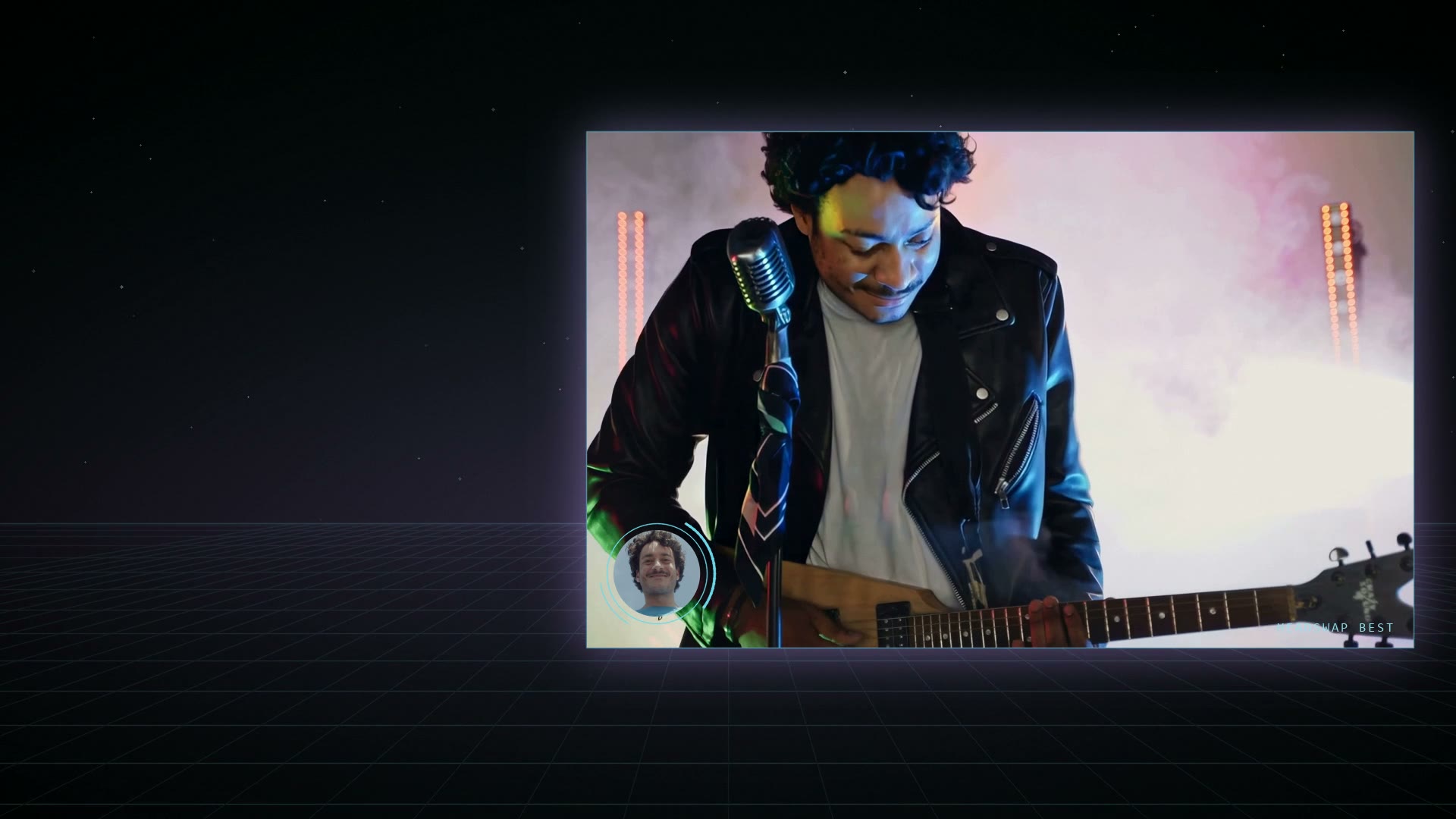
The short answer
A face swap changes the inner face and keeps everything else: hair, head shape, ears, the outline of the jaw. A head swap changes all of it. That second job is where the kind of model matters most. The GAN face swappers most tools use cannot do it at all. A diffusion model can, because it redraws the whole head instead of pasting a small face patch.
That is why NanoPocket's head swap, in Nano HeadSwap Pro for photos and in Video FaceSwap 2.5 Online for video, is built on diffusion. This post explains the difference, what it buys you, and what it costs.
The GAN baseline
Most cloud face swap services and most open-source face swap tools use one model: InsightFace's inswapper_128. It is a generative adversarial network (GAN) trained at a fixed 128 × 128 pixels. Roop, the default FaceFusion pipeline, SimSwap and a long tail of free face swap sites ship it.
It is fast and cheap, and for a front-facing face in good light it is often good enough. Its limits follow from how it works:
What diffusion changes
A diffusion model starts from noise and redraws an image step by step, guided by what it is asked to keep and what it is asked to change. For a swap, it is conditioned on the person in the reference photo and redraws the region being replaced in the scene's own light and pose.
For head swap, the two compare like this:
| GAN face swap (inswapper_128) | Diffusion head swap (NanoPocket) | |
|---|---|---|
| What changes | The inner face | Face, hair and head shape |
| Resolution | Swapped at 128 × 128, then scaled up | The result keeps your photo's resolution |
| Head turned, tilted or seen from below | Often smears or fails | The new head is rebuilt in the pose of the head it replaces |
| Group photos | Depends on the tool | You click the one person to change; everyone else stays as they are |
| Speed and cost | Fractions of a second, very cheap | About 40 seconds for a portrait; more GPU time per image |
The price of that is real: diffusion runs many steps per image on a large GPU, so it is slower and costs more to run than a GAN. We think it is worth it for head swap, and we say so on the price: each job's cost is shown before it starts.
In photos: Nano HeadSwap Pro
Nano FaceStudio Online also offers a head swap mode (20 credits per face), on a diffusion identity stack whose components and failure modes are documented in our face swap pipeline reference.
In video: Video FaceSwap 2.5 Online
Video is harder than a photo: the head has to stay the same person in every frame, follow the movement and never flicker. The video studio offers two kinds of swap:
Every result also goes through a diffusion face enhancement that rebuilds skin texture, eyes, teeth and hair edges, then it is delivered at 1080p or 4K with the original sound.
What we measured on 74 public clips with Video FaceSwap Online 1.1.0 (a first look on talking-head footage, not a benchmark):
These figures were measured before Headswap Fast existed. The method and its limits are on the video studio page.
Where it still fails
Diffusion is not magic, and we would rather you know the limits before you pay:
For the footage that breaks most swaps, see why face swaps break on hands, profile turns and low light.
Which one should you use?
Before you swap anyone's head
Use a face only if you have the right to. NanoPocket asks you to confirm it before a video starts, and the examples on our pages are AI-generated test renders made on stock footage.
Try a head swap
New accounts start with 100 free credits. The price is shown before every job, and a swap that fails costs nothing.
Open Nano HeadSwap Pro