October 20, 2026
Why Face Swaps Break on Hands, Profile Turns and Low Light
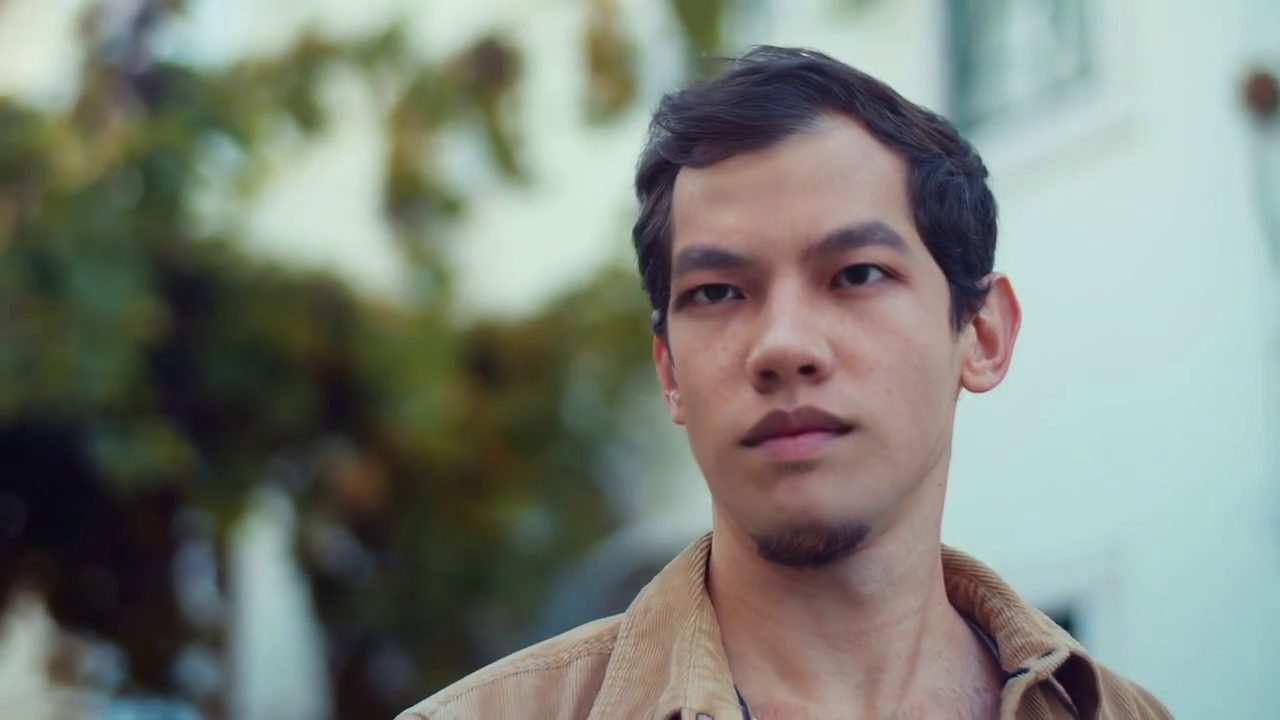
The short answer
A video face swap usually looks fine on a front-facing talking head and falls apart on five kinds of shot: a head turned to profile, a hand or object in front of the face, an arm sweeping past, a dim side view, and a head that tilts while the camera shakes. These are the shots Video FaceSwap Online 1.1.0 was built to hold up on. This guide explains what goes wrong in each and shows the real clips.
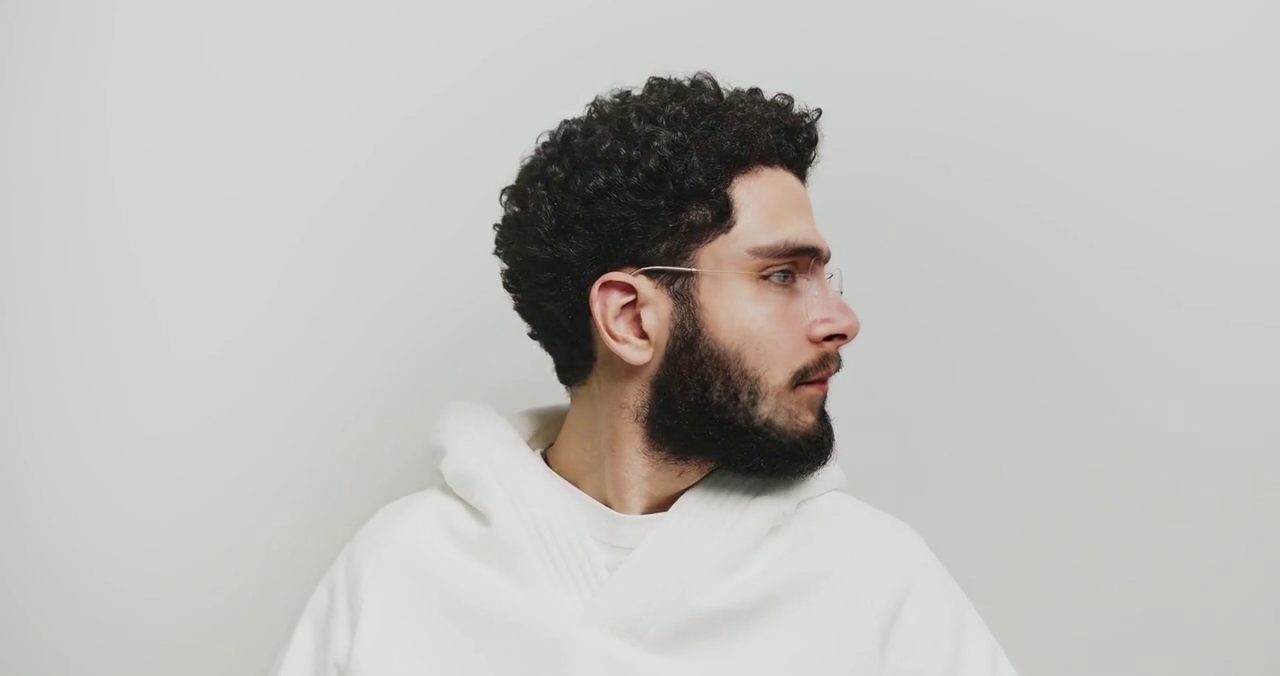
1. A full turn to profile
What goes wrong: at large head angles the face is mostly hidden, face detection loses it, and the new face either pops off the head or smears across the cheek.
What the example shows: the head turns ninety degrees and back, with glasses and a beard, and the new face holds at every angle with no flicker as it turns. Where a head turns beyond the usable angle, the product leaves those frames as filmed and counts them in the report, rather than smearing.
2. Looking away, then back at the camera
What goes wrong: low light and a side view together give the swap very little to hold on to, and the face can slide when the person turns to the lens.
What the example shows: a side view in low light, then a turn to the lens. The face stays put on the head all the way.
3. A hand over the face, glasses on
What goes wrong: the swap paints over whatever is in front of the face, including the hand and the glasses frame.
What the example shows: the hand stays in front of the face, untouched. Only the part of the face you can see changes, and the face is back in one piece the moment the hand leaves.
4. An arm sweeping across the face
What goes wrong: something moving in front of the face while the head turns and the camera shakes is the hardest case: the face and the occluder both move, and per-frame guesses disagree.
What the example shows: the arm passes over the face and the face does not move; the occluder stays in front while the head turns and the handheld camera shakes.
5. Laughing, hands in the hair
What goes wrong: every laugh tilts the head and changes the expression, and hands touching the hair and face add small occlusions on top.
What the example shows: hands touch the face and the hair, the head tilts with every laugh, and the swap follows.
Why these shots are hard
How to give any tool the best chance
What this does not prove
These are five clips we chose because they are hard, rendered in Fast mode. They show that the hard cases can work; they are not a benchmark, and results depend on your footage. In our published test of 74 public clips, about 1 in 20 had no usable face and was reported that way.
Related
Footage and reference photos for the five clips are from Pexels (free to use). The faces swapped belong to stock-photo models; only swap a face you have permission to use.
See all five clips, before and after
Drag through the real renders on the Video FaceSwap Online 1.1.0 page, then try your own hard shot.
Open Video FaceSwap Online