1
Load the whole shoot
Drag in a folder's worth of photos. Faces are found in the background. Tick photos with the checkbox, ⌘ or Ctrl-click, Shift-click, or Select all.
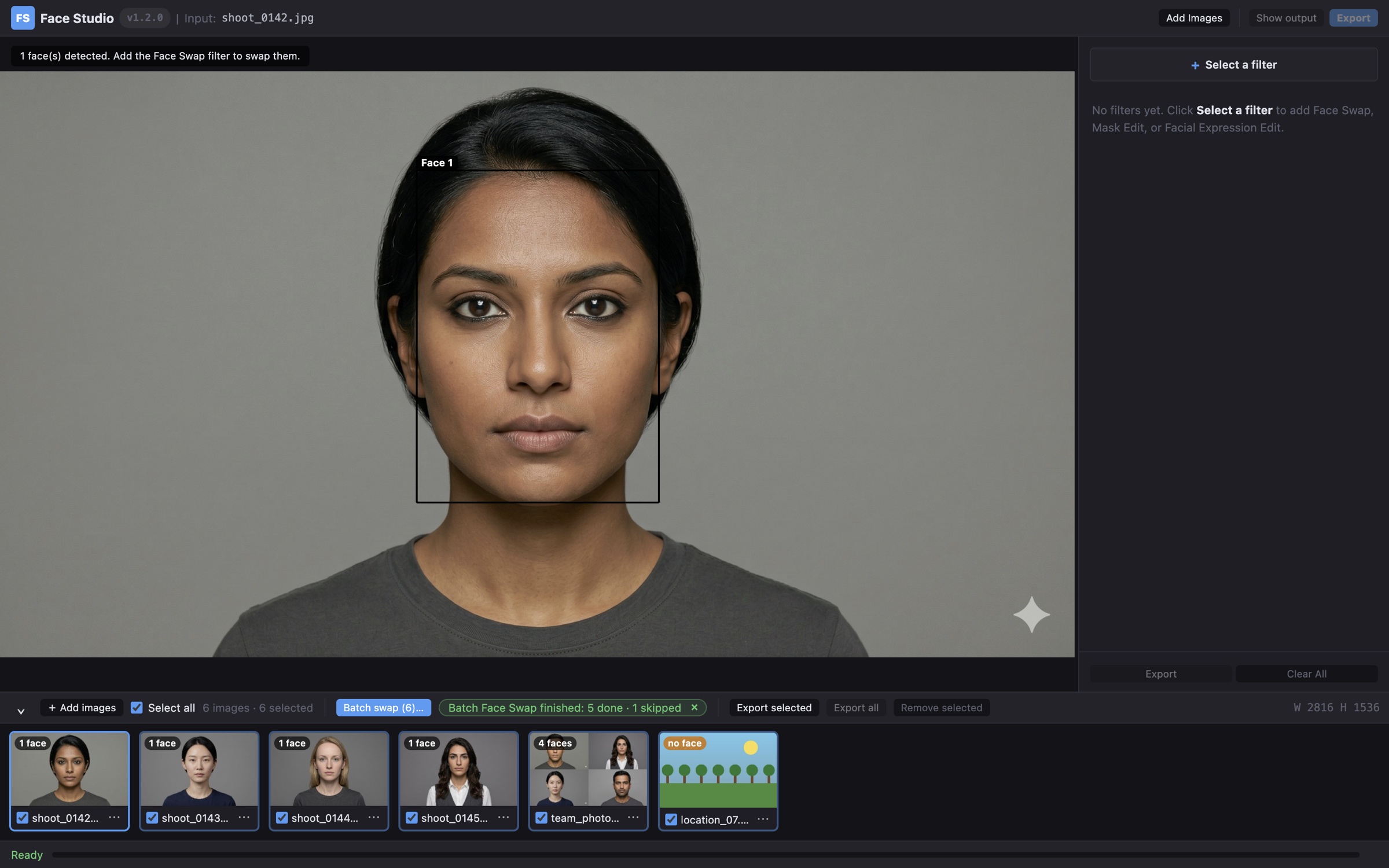
Drop in a whole shoot, pick one reference, and press Start. FaceStudio swaps every photo in turn on your own GPU, on Windows and now on Mac.
$69.90 once. No credits. No subscription. Black Friday, Nov 23 to Dec 24, 2026 (PT): $49.90.
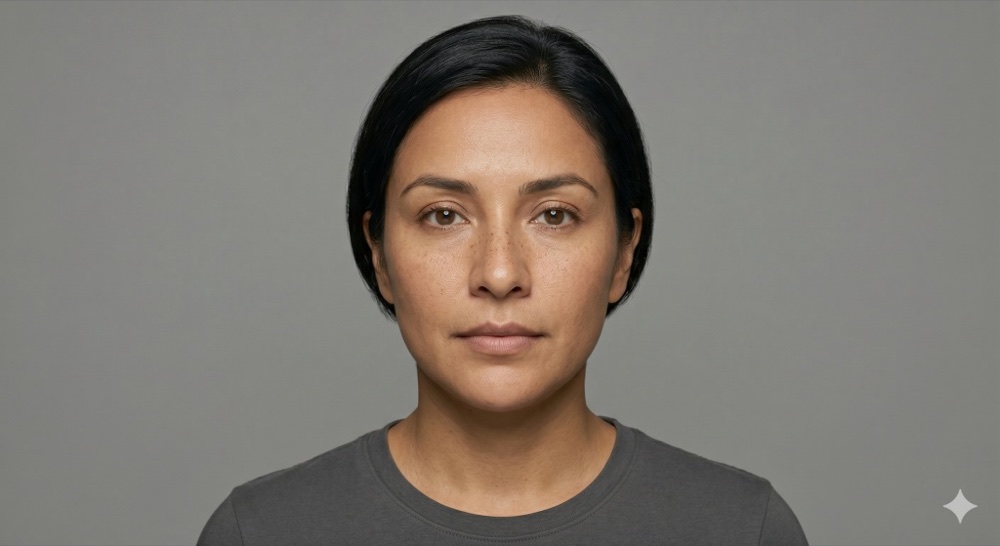 Reference
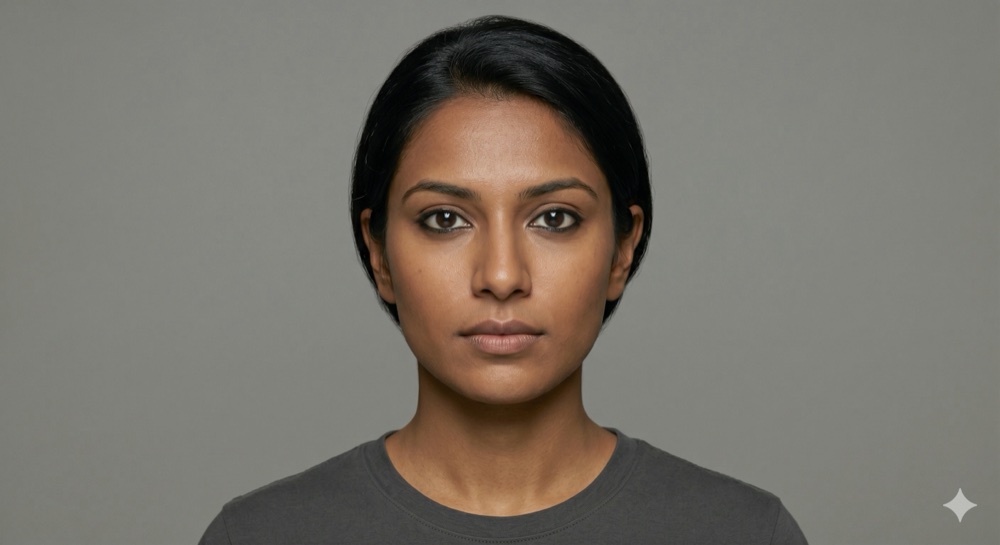
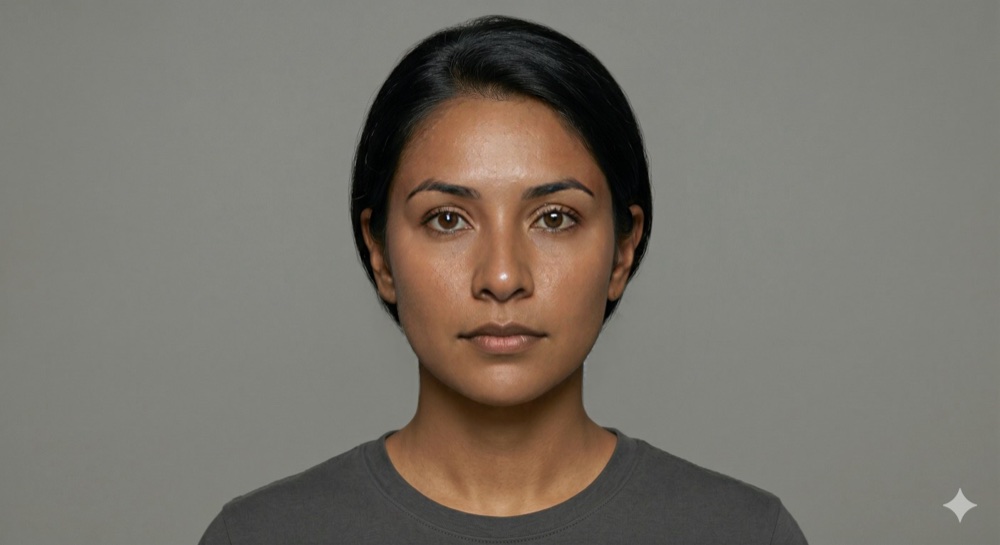 0142 · 1 facein batch
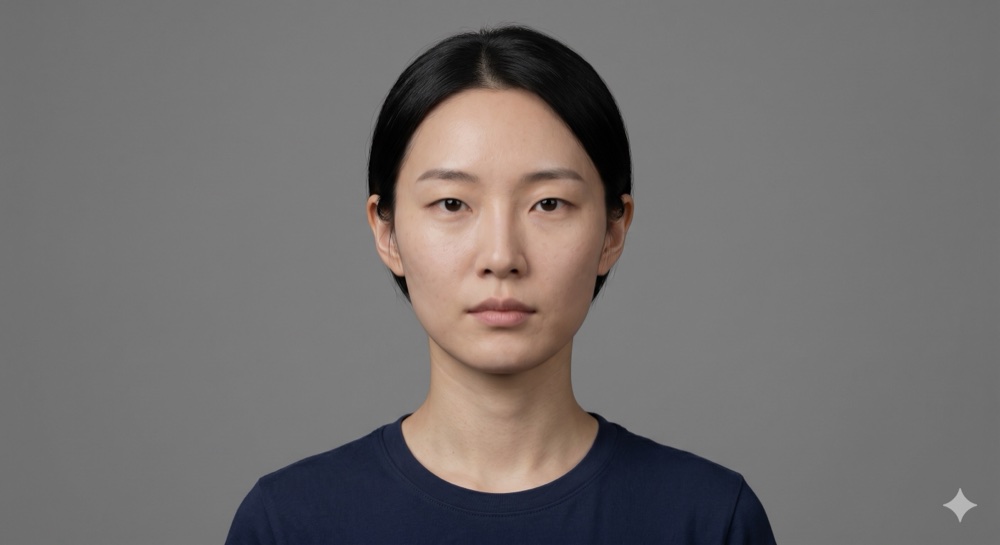
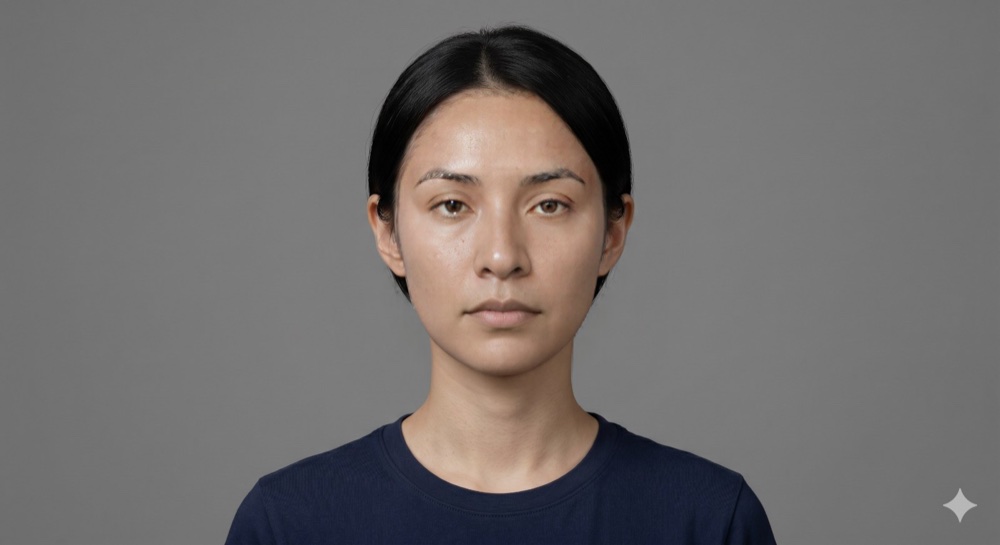 0143 · 1 facein batch
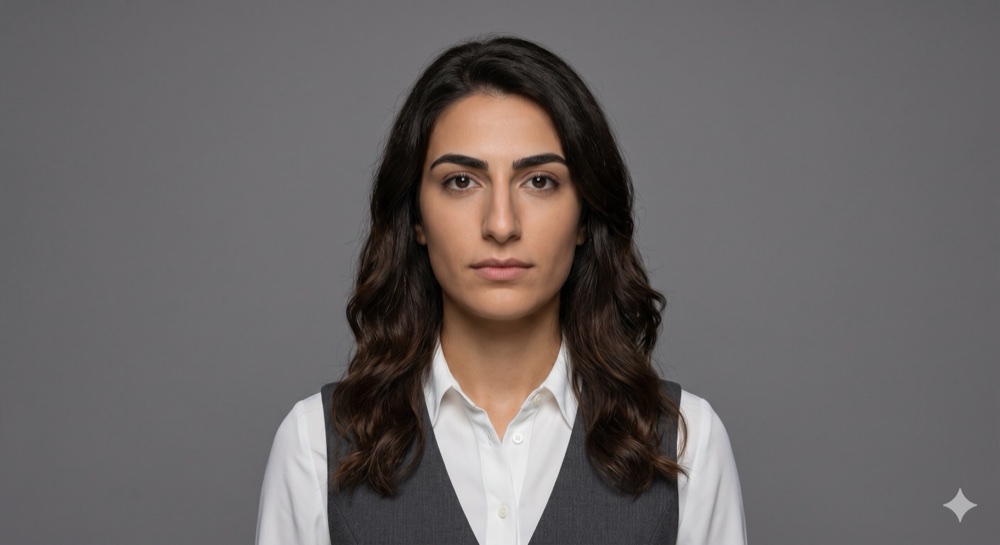
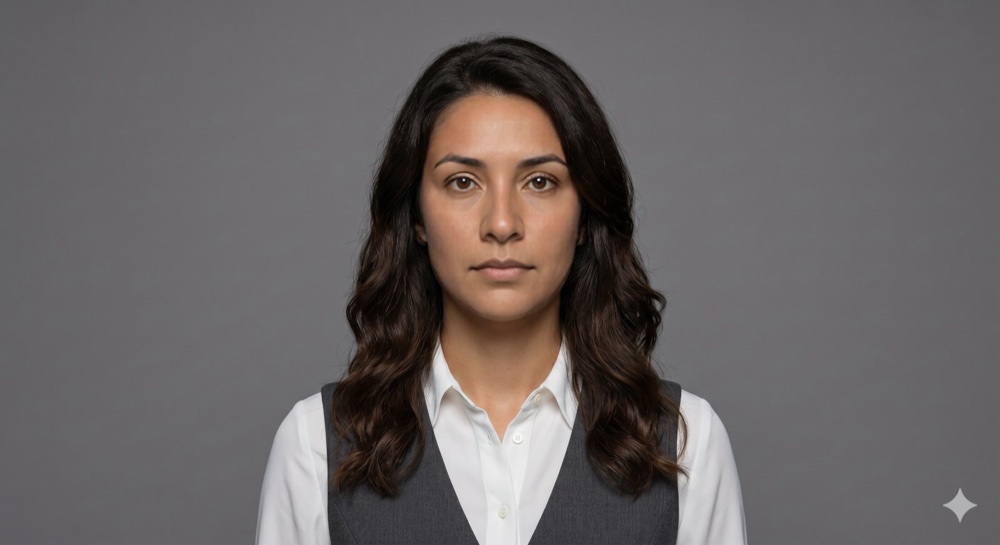 0145 · 1 facein batch
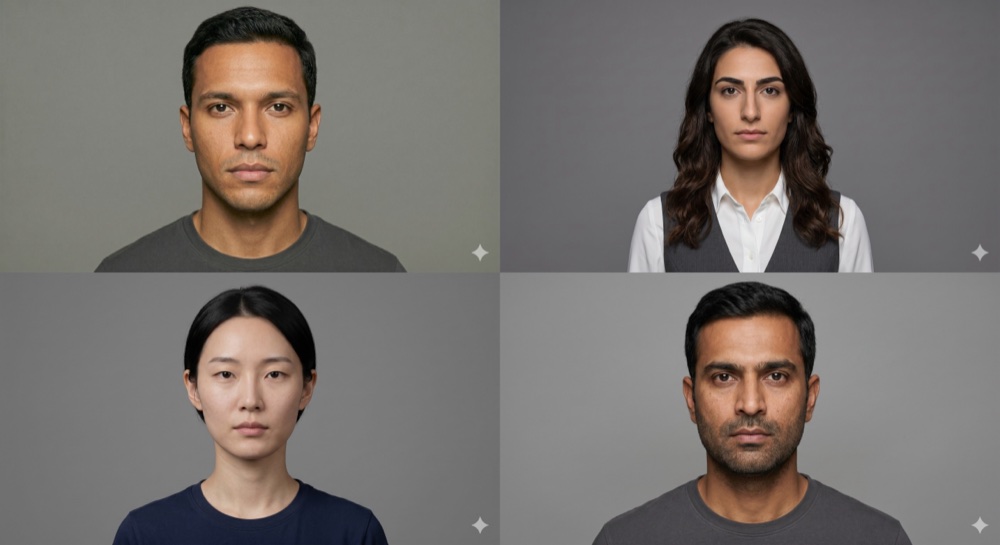
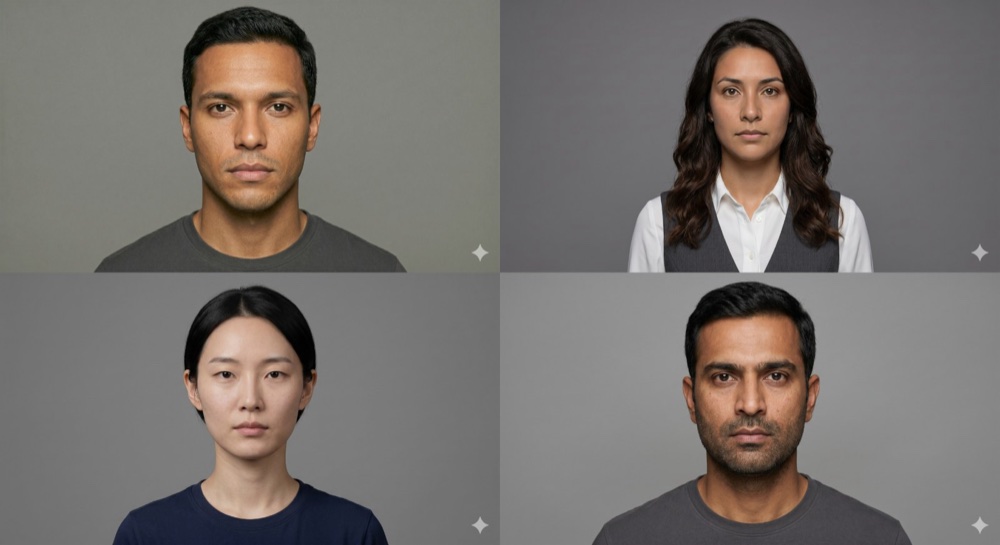 Team · swap face 4 onlyin batch
 Location · no faceskipped
FaceStudio Pro started as a studio for finishing a single portrait. It still is. Version 1.2 adds everything you need when the job is fifty portraits.
| Before | FaceStudio Pro 1.2 | |
|---|---|---|
| Input | Open one photo | Add or drag in any number of photos. They line up in a strip. |
| Face detection | Wait on each photo | Runs on the whole set in the background. |
| Reference | Upload it again for every photo | One reference or virtual face goes into every ticked photo. |
| Group photos | Set up by hand each time | Choose who gets swapped, right in the batch window. |
| Running jobs | Wait for the GPU, then start the next | Jobs queue up while you keep editing other photos. |
| Export | Save results one by one | Export selected or export all, next to the originals or into one folder. |
| Platforms | Windows only | Windows and Apple Silicon Mac. |
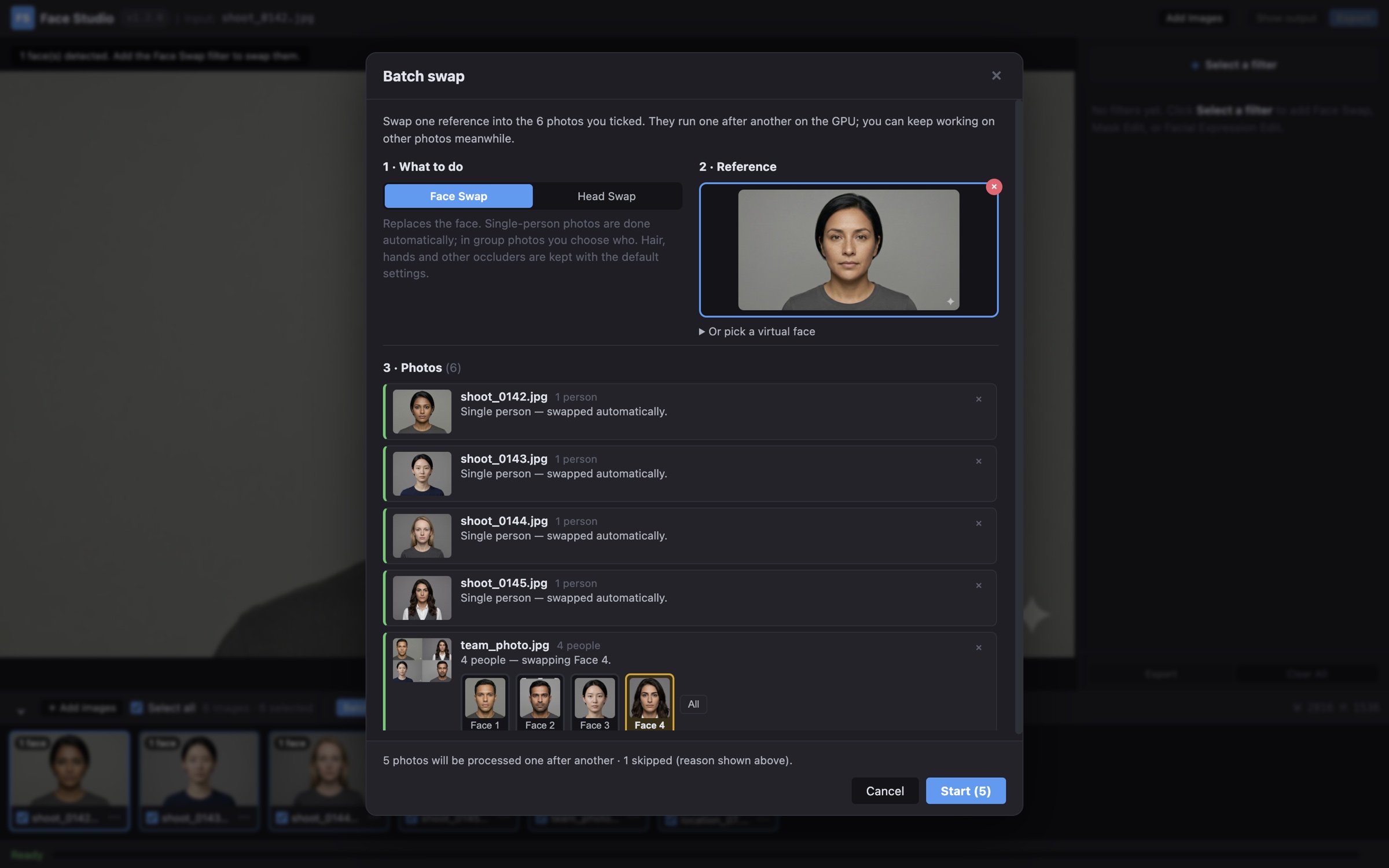
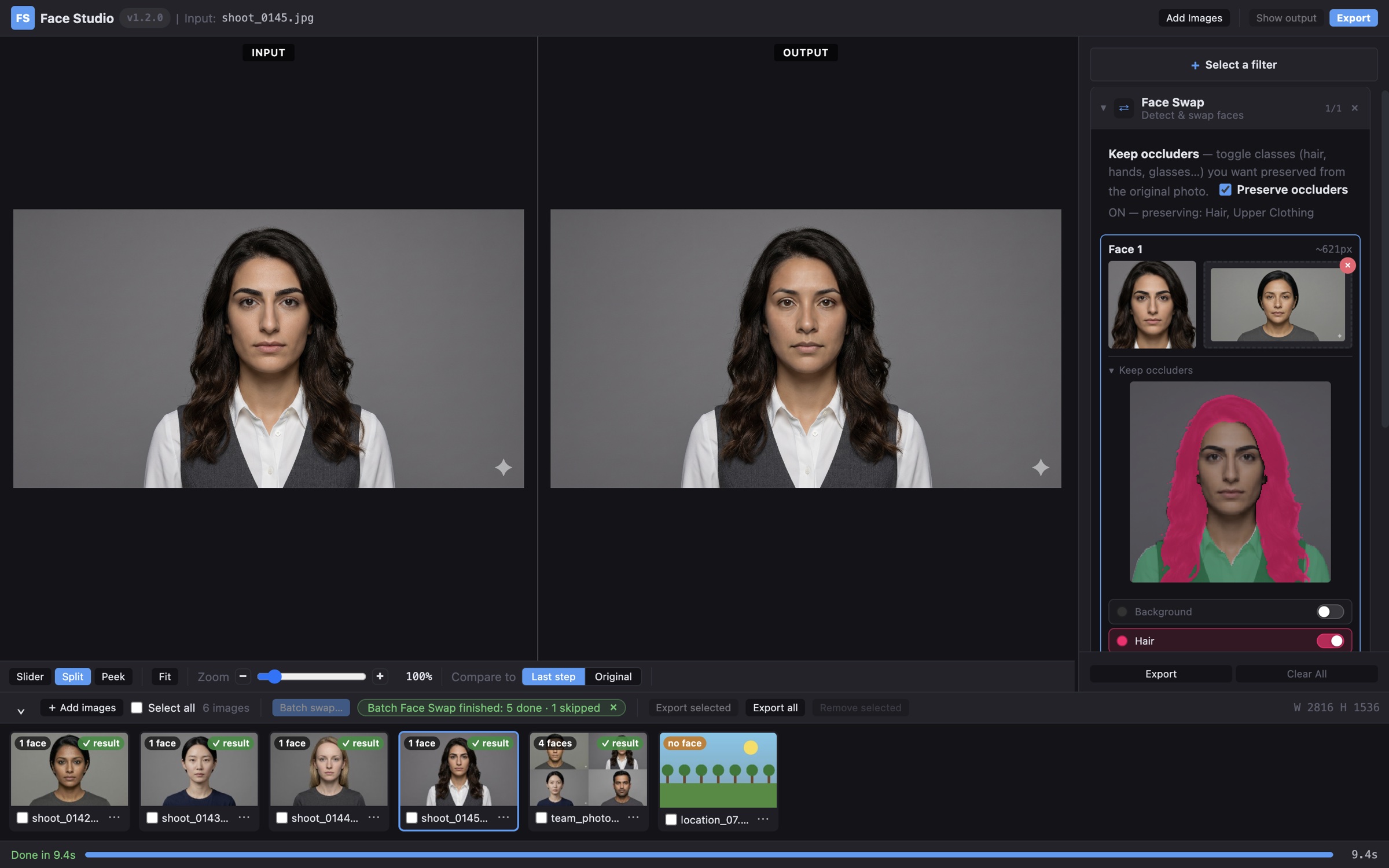
These are screenshots from a real batch: five swaps and one skipped photo on a 24 GB MacBook Pro, finished in 55 seconds.
Drag in a folder's worth of photos. Faces are found in the background. Tick photos with the checkbox, ⌘ or Ctrl-click, Shift-click, or Select all.
Pick Face Swap or Head Swap and upload one photo, or use a virtual face. The batch window shows exactly what will happen to each photo before anything runs.
Photos run one after another. The strip shows what's done, what's at the GPU and what's waiting. Open another photo and carry on, or stop the batch whenever you like.
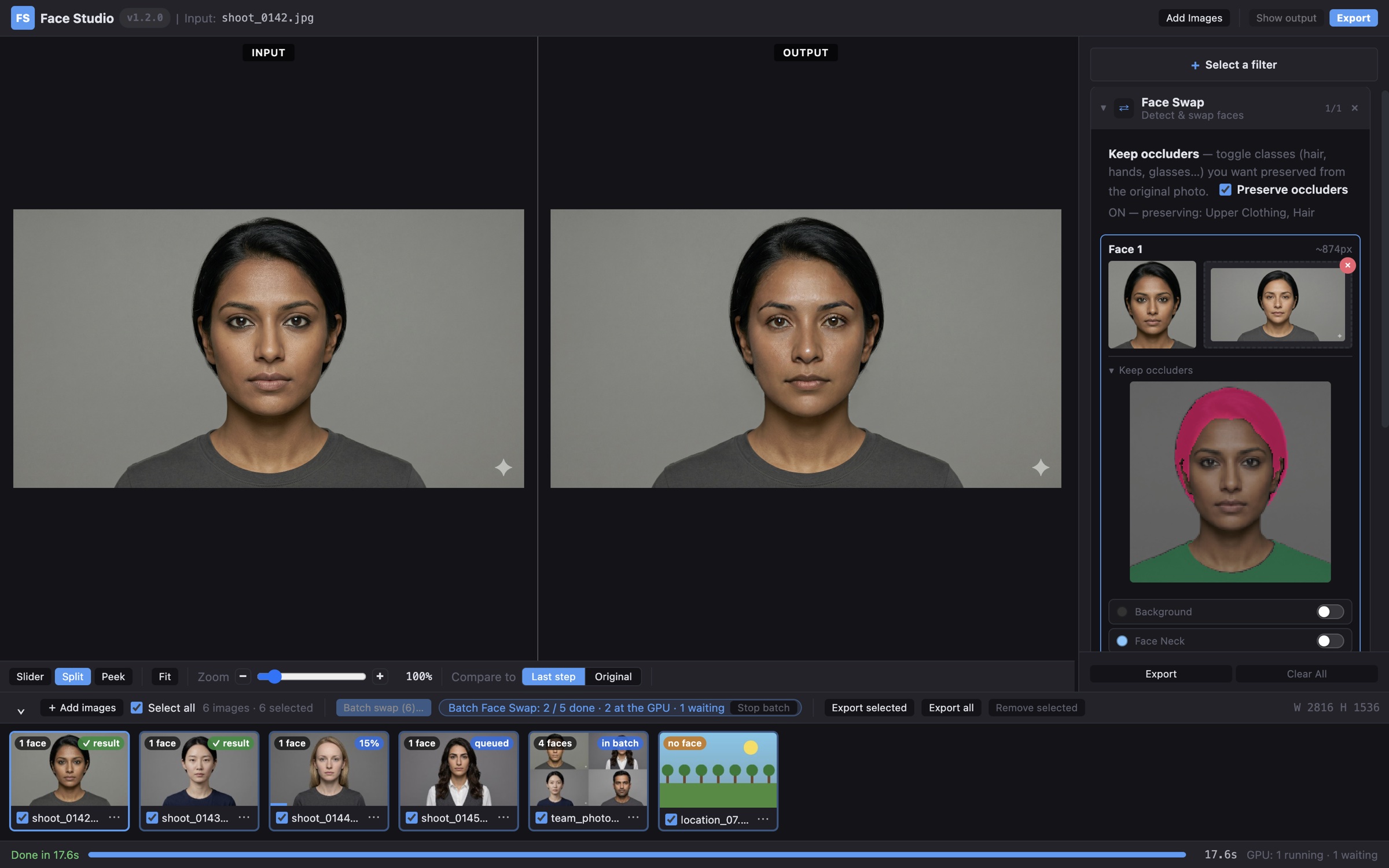
Compare any result with its original. Fix one with Mask Edit, Face Vivid or Upscale. Then export every finished photo in one click.
Pick one person, several, or everyone.
Skipped and reported. The batch carries on.
Runs on single-person photos. Groups are flagged before you start.
Stop the batch, remove a photo, or run one by hand.
A face is the most personal data in a photo. Online tools ask you to send it to someone else's server. FaceStudio does the work on the computer in front of you.
The internet is needed for setup (a one-time download of about 25 GB) and for a license check every 7 days. The app keeps working for up to 14 days offline. Your images are never part of that traffic.
FaceStudio Pro now runs natively on Apple Silicon with Metal acceleration. It is signed and notarized by Apple, so it opens like any other Mac app.
| Task | M5 · 24 GB | M4 · 16 GB |
|---|---|---|
| Face Swap, per photo | about 10 s | 20–23 s |
2816 × 1536 test photos. Times depend on image size and what else your Mac is running.
On Windows? You need an NVIDIA GPU with at least 8 GB of VRAM and 40 GB of free disk. Already on 1.x? Install over it. Your engine, models and license stay in place.
No. Detection, swapping, editing and export all run on your computer. The only network traffic is setup and the license check.
There is no fixed limit. We test runs of 20 photos, and speed holds steady from the first photo to the last. On a Mac, the app keeps the computer awake until the batch finishes.
Yes. Open any other photo and keep editing. If you run a waiting photo by hand, it leaves the batch so the two never collide.
Face Swap does: you choose who gets the new face in each group photo. Head Swap works on single-person photos, so groups are skipped with a warning.
Yes. A single one-time license covers both versions. Each activation is tied to a machine.
$69.90 once. No credits. No subscription. macOS and Windows. Black Friday, Nov 23 to Dec 24, 2026 (PT): $49.90.